Output Format Optimization
Output Format Optimization controls how Willow formats tool outputs before they are sent to the model. It is configured from Monitor > Tokens, on the Optimize view.
Use this setting when tool responses are a major source of token usage. It works alongside Token Usage Analytics: analytics shows where output tokens are coming from, and output-format optimization changes how structured tool output is represented.
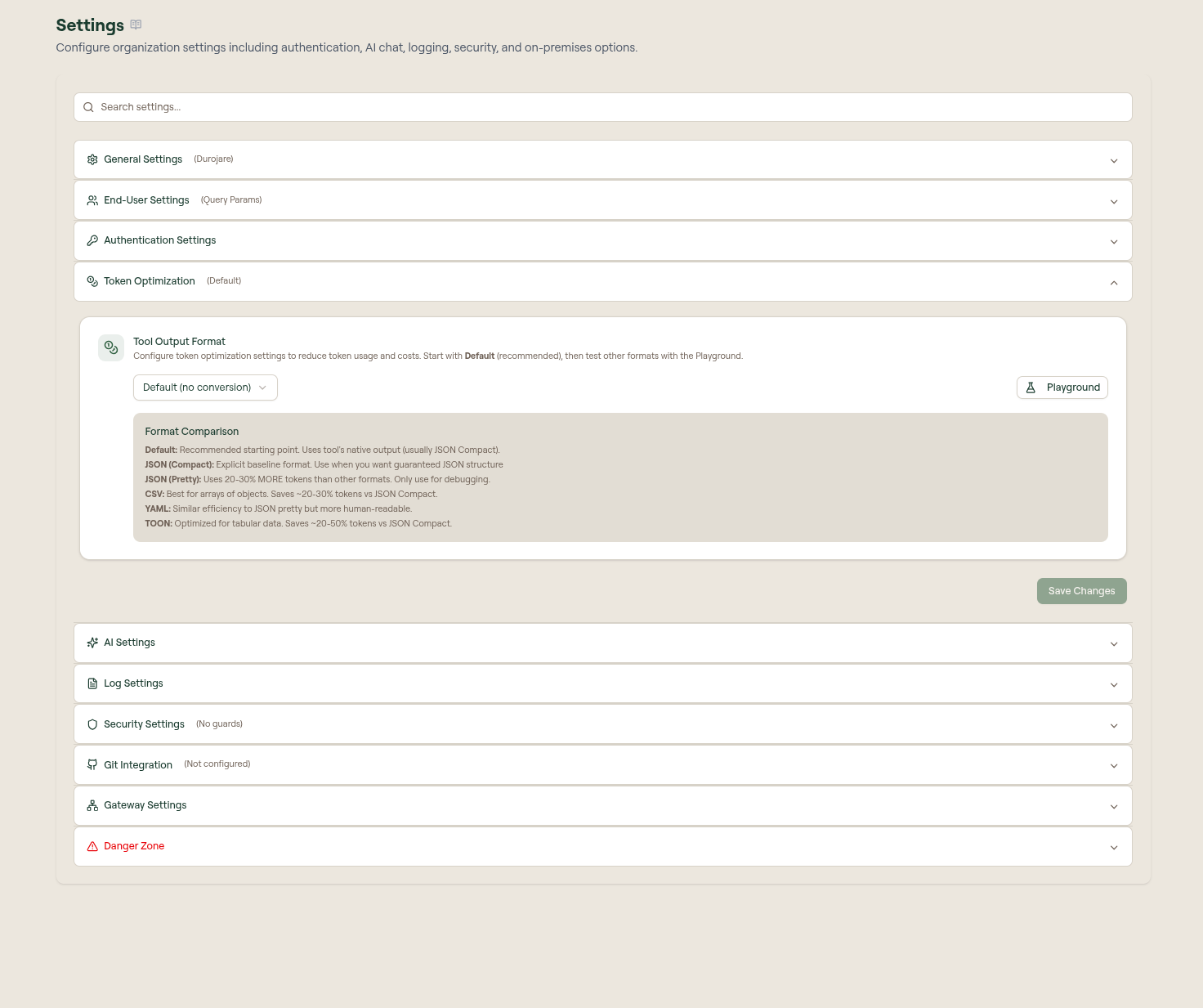
Configure the output format
- Open Monitor > Tokens.
- Select the Optimize view.
- Select Output Format at the top right of the view. The Token Optimization Settings panel opens.
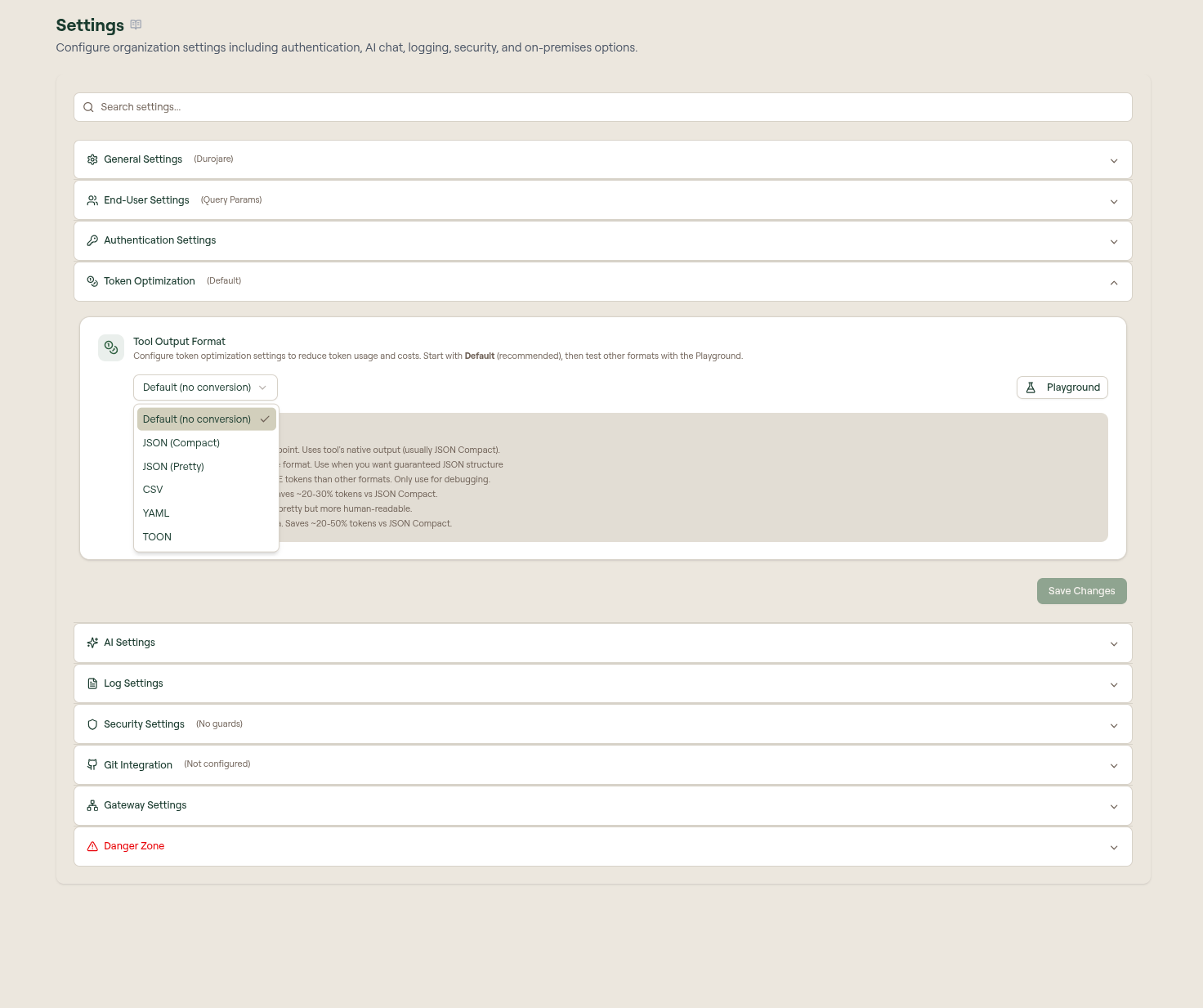
- Set Tool Output Format.
- Use Playground to test formats before changing production behavior.
- Select Save Changes.
The button is labelled with the current format, for example Output Format: Default, so you can see the active setting without opening the panel.
Format changes apply to subsequent tool calls. Existing log entries and previous tool outputs are not rewritten.
Format options
The panel's Format Comparison block summarizes the same guidance next to the dropdown.
| Format | Use when |
|---|---|
| Default (no conversion) | Recommended starting point. Willow keeps the tool's native output, usually compact JSON. |
| JSON (Compact) | You need guaranteed JSON structure with minimal whitespace. |
| JSON (Pretty) | You are debugging and want readable JSON. It uses 20-30% more tokens than other formats. |
| CSV | Tool output is an array of objects with consistent fields. Saves roughly 20-30% against JSON (Compact). |
| YAML | You want more human-readable output and can accept token usage similar to pretty JSON. |
| TOON | Output is tabular and you want a compact table-oriented representation. Saves roughly 20-50% against JSON (Compact). |
Do not switch formats only because one looks shorter in a synthetic example. Test with real tool responses whenever possible.
Playground
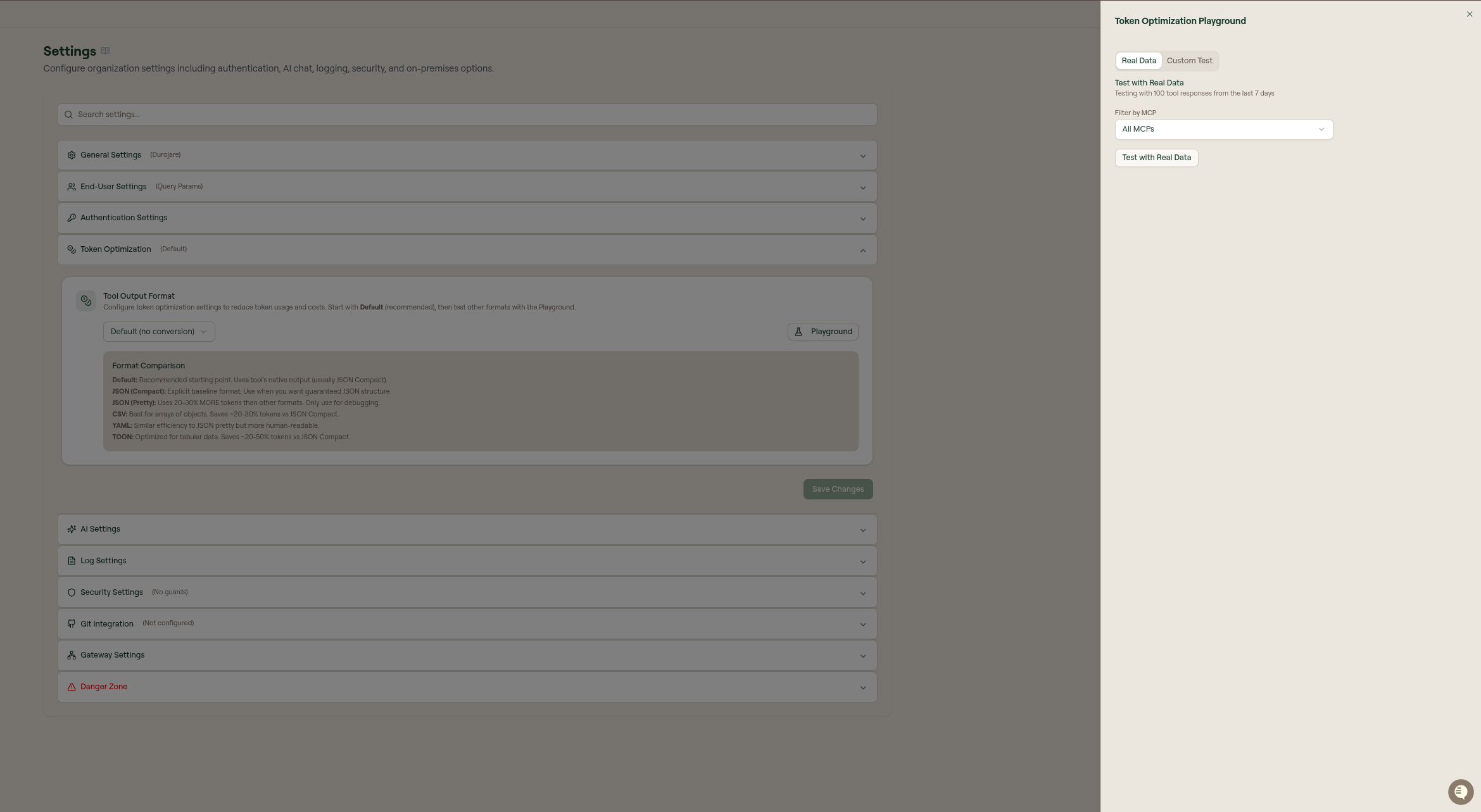
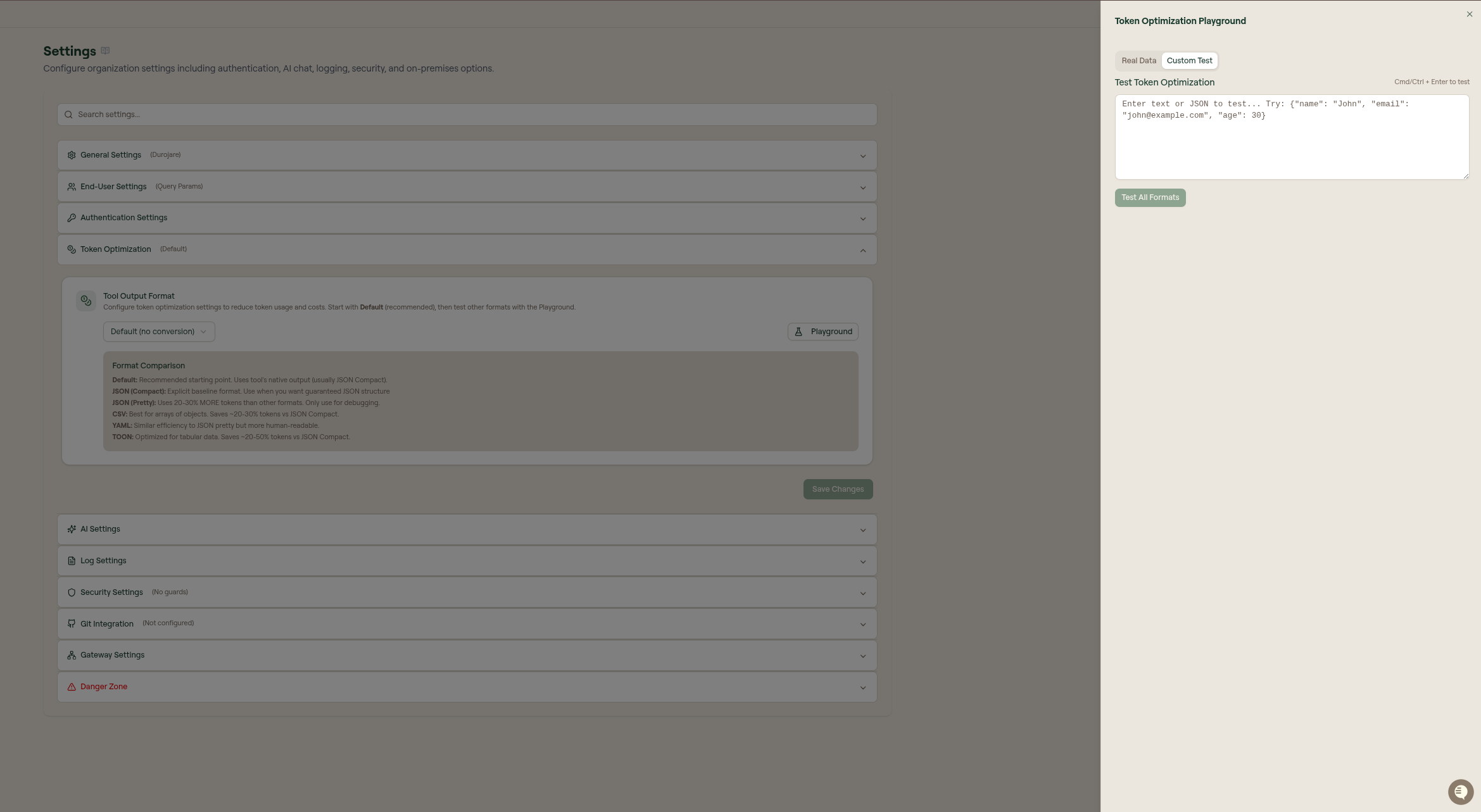
The Playground opens as a side panel with two tabs.
Real Data
Real Data tests formats against recent tool responses. Use this first because it reflects your organization's actual MCP usage. You can filter by MCP server before testing.
Custom Test
Custom Test lets you paste text, JSON, or representative tool output and run Test All Formats. Use it when you are evaluating a new tool or do not yet have enough recorded responses.
Choosing a format
| Situation | Recommended starting point |
|---|---|
| Mixed or unknown output shapes | Default |
| APIs that always return JSON objects | JSON Compact |
| Large lists of similar records | CSV or TOON |
| Debugging a tool response | JSON Pretty, then switch back after debugging |
| Human-readable intermediate output | YAML |
If conversion fails, Willow should continue returning the original tool output rather than blocking the tool call.