Runtime
Runtime shows agent sessions, prompts, tool calls, guard decisions, MCP calls through or outside the gateway, and web and embedded AI traffic.
On Willow SaaS, open Runtime. For another deployment, use /monitor/runtime on your admin app's hostname. You can also follow View from the dashboard's Guard activity, Gateway coverage, or Skills in use panel.
Use Set up and check agent telemetry to connect a coding agent and verify its first reported activity.
Filters and controls
| Control | Effect |
|---|---|
| Time window | Last 24 hours, Last 7 days, or Last 30 days. Starts at Last 7 days. |
| All Users | Narrows the activity to a reporting user. |
| Refresh | Reloads the selected window. |
| Telemetry settings | Opens AI Discovery Settings with Agent telemetry selected. |
| Open in Logs | Opens the detailed records for the current panel, preserving its time window and event filters. |
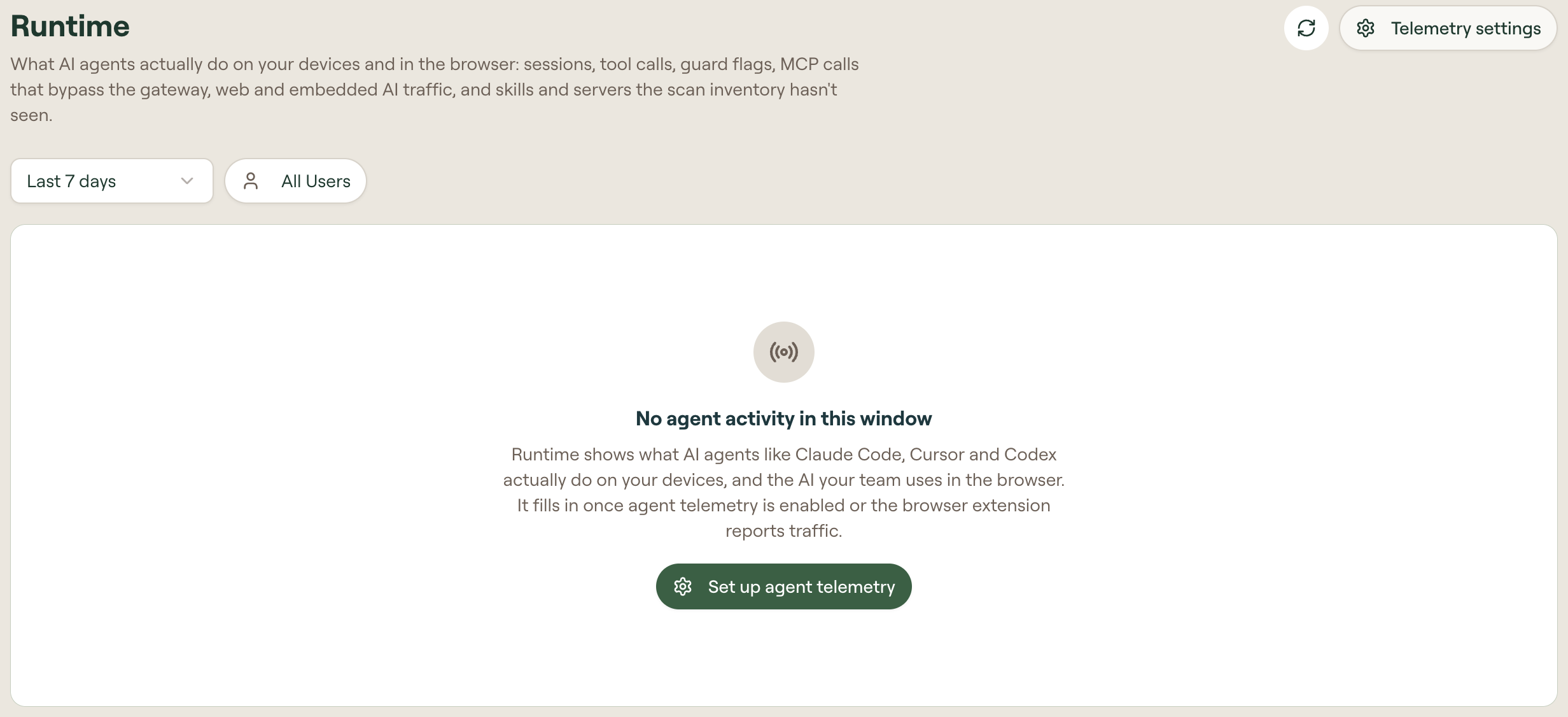
If the page shows No agent activity in this window, choose a longer time window or select Set up agent telemetry to configure collection. Activity tabs appear when the selected window contains records.
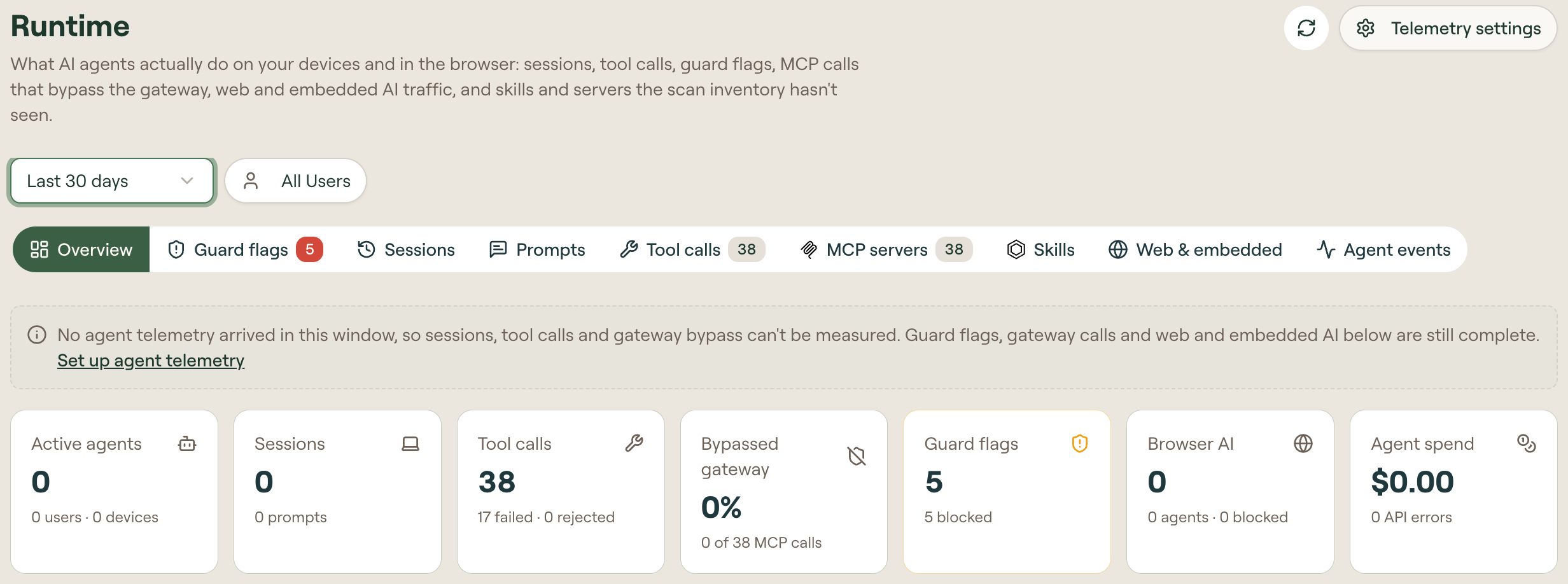
Activity tabs
Counts appear beside tabs that have recorded activity.
| Tab | What it shows |
|---|---|
| Overview | Activity totals, checks needing attention, top guards, reporting agents, and models. A source-coverage notice identifies missing agent telemetry. |
| Guard flags | Separates Guard hooks on devices from Gateway guards on MCP calls. The Guard hooks and Gateway sub-tabs open the corresponding records. |
| Sessions | Recent agent sessions. Its session list links to reported events in Logs and session replay. |
| Prompts | User prompts, with Telemetry and Guard hooks sub-tabs to distinguish collection sources. |
| Tool calls | Tools in use, with All, Built-in, and MCP filters. Columns distinguish Via gateway, Direct, Unknown, Failed, and Rejected activity. |
| MCP servers | Gateway coverage over time, servers outside the gateway, capabilities discovered at runtime, and gateway call records. |
| Skills | Reported skill activations and skills observed at runtime that the device inventory has not seen. |
| Web & embedded | Web AI visits and embedded AI requests reported by the browser extension, including blocks and warnings users continued past. Manage policy opens the AI agents inventory. |
| Agent events | Other reported events, such as model API requests and errors, session starts, and permission or configuration events. |
Source coverage
Runtime collects activity from these sources:
| Source | Activity it contributes |
|---|---|
| Willow gateway | MCP tool calls and gateway guard decisions. |
| Coding-agent telemetry | Agent sessions, prompts, tool activity, model requests, and usage information, as reported by each agent. |
| Guard hooks | Prompts and tool uses evaluated on devices. |
| Willow Guard browser extension | Web AI visits, embedded AI traffic, and browser policy decisions. |
If Overview shows No agent telemetry arrived in this window, follow Set up and check agent telemetry to collect device sessions and direct MCP calls.
Gateway coverage
The MCP servers tab distinguishes:
- Via gateway: calls served through Willow's gateway.
- Bypassed gateway or Direct: calls reported as going straight to a server.
- Unknown: calls that could not be tied to the server's configuration.
Discovered at runtime lists MCP servers and skills recorded in agent activity that are absent from the device scan inventory.
Calls outside the gateway do not pass through its guards or rate limits. Device guard hooks are a separate enforcement surface; see Runtime vs build-time guards.
Content and identity
Your organization's Log Content setting controls whether records include prompt and response text. Anonymize users in agent telemetry settings stores records under an anonymous identity.