MCP Servers
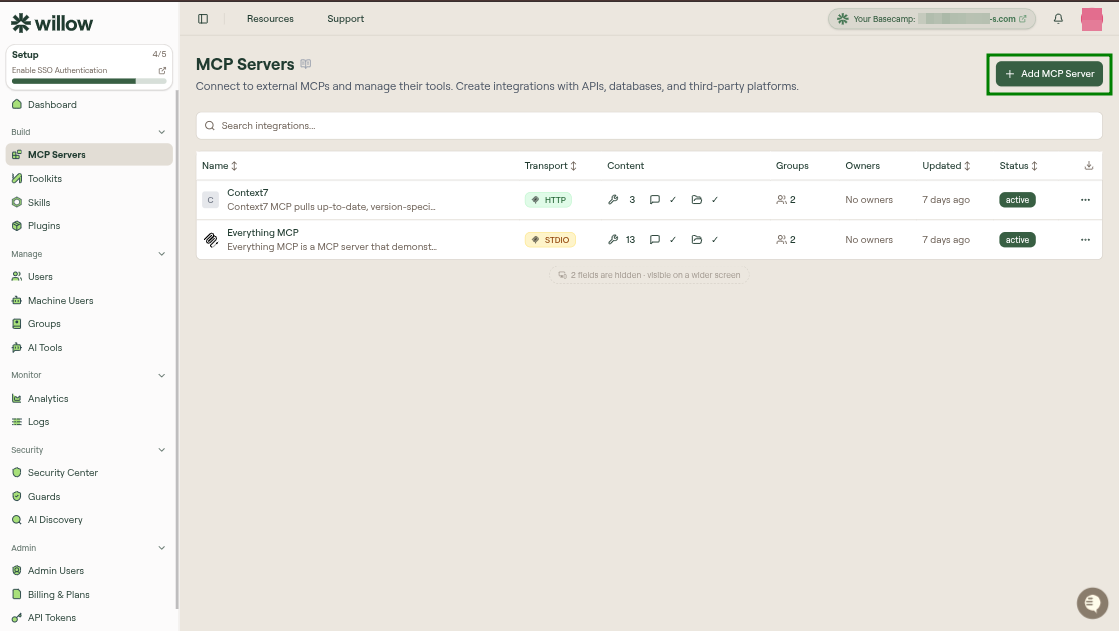
The MCP Servers page is your organization's inventory of MCP integrations. Open it from Build > MCP Servers.
Each row in the table represents one MCP server. Clicking a row opens the server's edit page, where the full configuration lives across six tabs: Overview, Setup, Tools, Resources, Prompts, and Settings. The list page itself is just the inventory. The tabs are where you actually configure and manage each server.
Scopes
Two tabs at the top of the page switch between scopes, each showing a count:
| Scope | Contents |
|---|---|
| Org MCPs | The MCP servers your organization manages. This is the inventory described below. |
| Discovered MCPs | MCP servers found running on your users' devices that your organization does not manage. See Discovered MCPs. |
Table columns
The table supports search and sortable columns.
| Column | Description |
|---|---|
| Name | Display name of the MCP server. Click a row to open its edit page. |
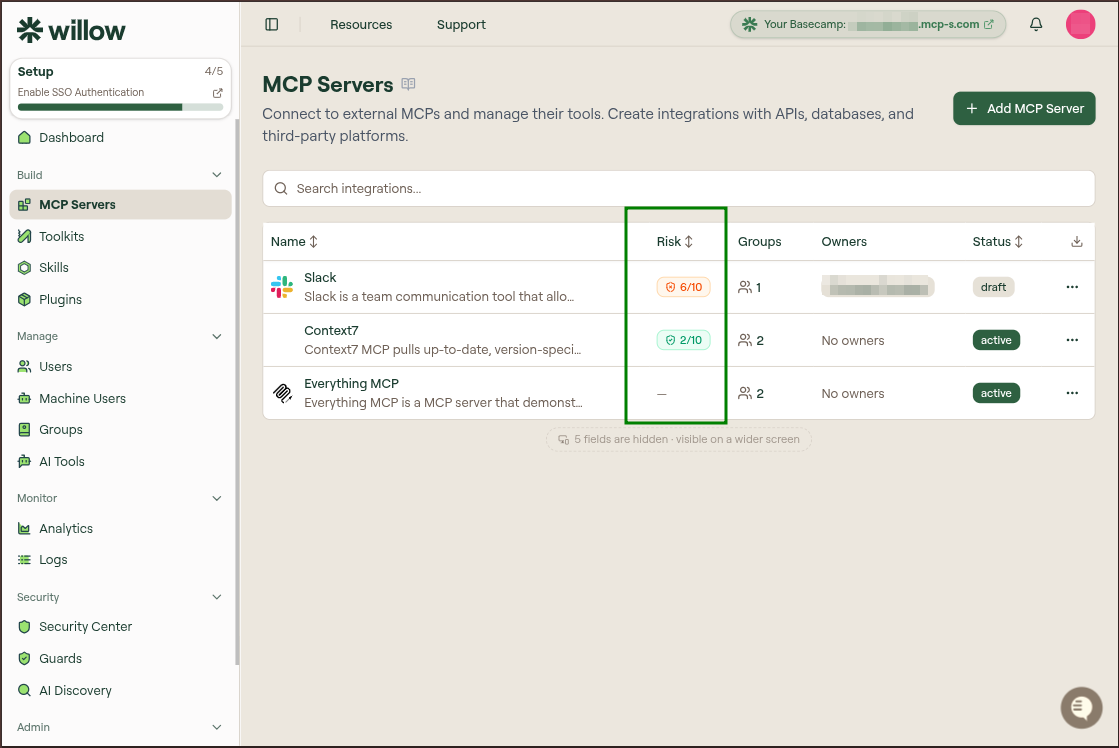
| Risk | Overall risk assessment score and band for the server, or a dash when it has not been assessed yet. Sortable. |
| Auth | Whether authentication is configured for the upstream connection. |
| Transport | Connection type: Built-in for a Willow connector, or HTTP or STDIO for a server you configured yourself. |
| Content | Tool count and whether prompts or resources are enabled for the proxy. |
| Groups | Groups whose members can access this server through the gateway. |
| Owners | Admins responsible for the server in the dashboard. |
| Created | When the server was added. |
| Updated | Last time the server configuration changed. |
| Status | Current lifecycle state. |
A download icon above the table exports the current list as CSV.
Server statuses
New servers start as draft. A draft server is visible to admins in the dashboard but doesn't appear to end users through the gateway. No tool calls reach it regardless of group membership. Once you've finished setup, publishing changes the status to active and makes the server available to users in connected groups. The Publish button sits in the top right of the server's edit page.
| Status | Meaning |
|---|---|
draft | Visible to admins only. Not accessible through the gateway. |
active | Live. Users in connected groups can reach it through the gateway. |
Discovered MCPs
The Discovered MCPs tab lists MCP servers that Willow found running on your users' machines but that your organization does not manage. They come from AI Discovery, so the tab is populated by the scan agent rather than by anything you configure here.
| Column | Description |
|---|---|
| MCP Server | The discovered server's name. |
| AI Agents | Which AI clients were seen using it. |
| Devices | How many devices it was found on. |
These are the servers counted as shadow in AI Discovery's governance figures. Bringing one under management is what moves your % governed up.
To adopt one, select the + at the end of its row. Willow opens Create Custom MCP pre-filled with the configuration it discovered, for example an npx command and its arguments for a stdio server. Review it, set a name and slug, then create the integration. From that point the server is an organization MCP server like any other, subject to your groups, guards, and tool enablement.
Row actions
Open the three-dot menu on any row to act on a server without opening its edit page.
| Action | Result |
|---|---|
| Edit | Opens the MCP server edit page. |
| Duplicate | Creates Copy of [original name] with the same configuration. |
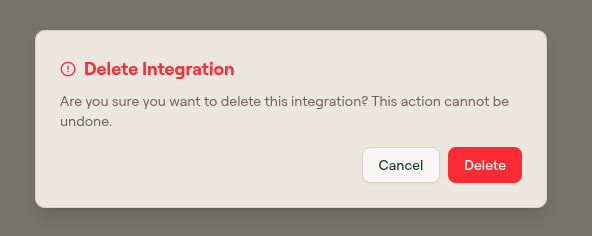
| Delete | Opens a destructive confirmation. Deleting cannot be undone. |
What to do next
- Add an MCP Server — add from the catalog, create a custom server, or import via API.
- Configure MCP Server Authentication — set up Proxy OAuth, Proxy API Key, Proxy Passthrough, or None.
- Manage Tools — sync, enable, test, and require approval for tools.
- Conditions — gate individual tool calls with predefined or custom rules.
- MCP Server Settings Reference — field reference for every edit-page tab.
- Add and Configure Your First MCP Server — guided tutorial if this is your first server.