Skills Settings
Skills Settings controls how skills are synced, imported, and reviewed across your organization. Open it by selecting Skills Settings on the Skills list page.
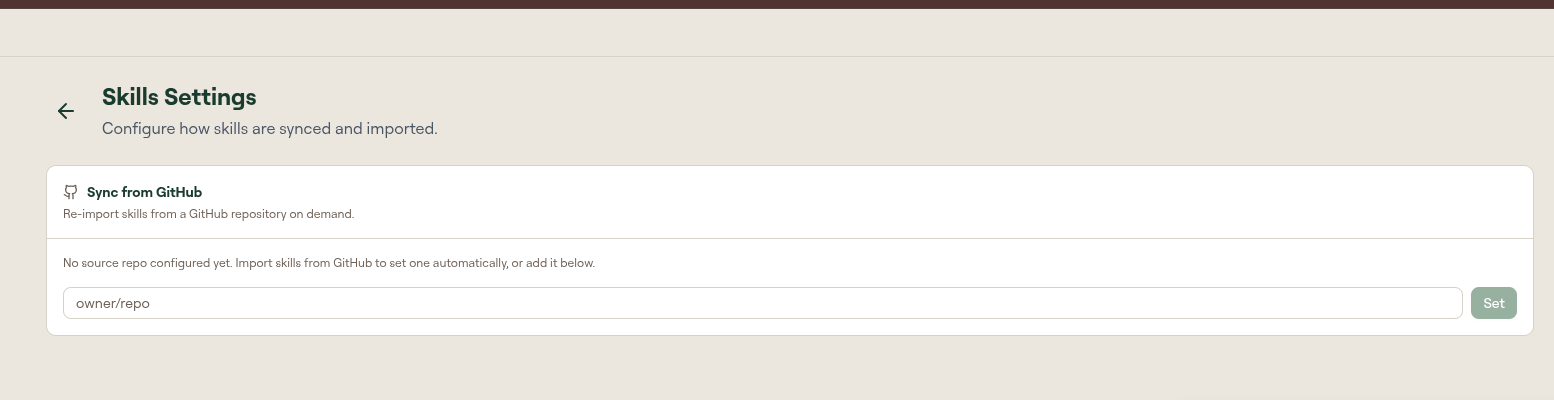
Skill Guard Policy
Controls what happens when a newly uploaded, created, or imported skill triggers a build-time guard check. Block checks and warnings are configured separately.
When a skill fails a block check:
| Option | Result |
|---|---|
| Reject upload | The skill is auto-rejected, kept out of the portal, moved to Rejected, and cannot be published. This is the default. |
| Hold for review | The skill is held for admin approval instead of being rejected. |
| Allow | The skill is published anyway. The dialog marks this as not recommended. |
When a skill triggers a warning:
| Option | Result |
|---|---|
| Allow | The skill is published and the warning is surfaced. This is the default. |
| Hold for review | The skill is held for admin approval before it is published. |
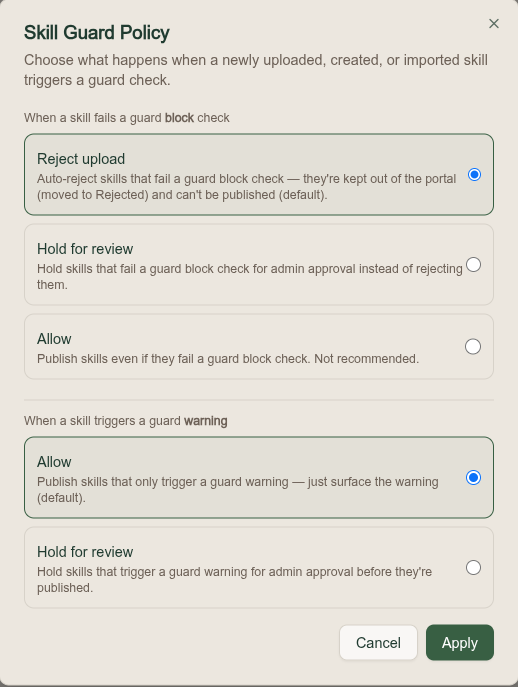
Skill Review Policy
Sets the minimum AI risk score, from 1 to 10, that holds a newly uploaded or imported skill for admin approval before it is published. Skills scoring below the threshold are auto-published; skills at or above it are held for review.
This policy is Off by default, which publishes skills immediately after upload with no admin review. It requires an AI provider, so it is unavailable unless Bring Your Own AI is configured.
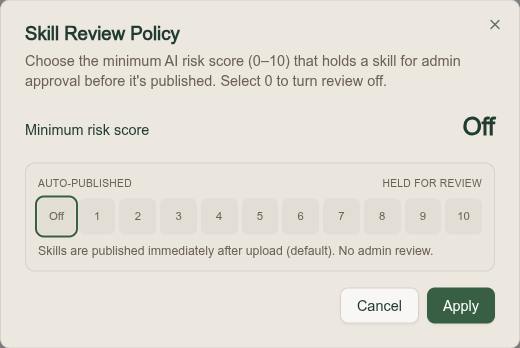
Sync from GitHub
Re-imports skills from a GitHub repository on demand. Enter the repository as owner/repo and select Set. Importing skills from GitHub sets this automatically. This keeps a set of skills maintained in source control in sync with Willow.