Configure Keycloak
Set up Keycloak as your identity provider.
Before you start, find your callback URL on the Configure SSO page: {gatewayUrl}/api/auth/callback/keycloak.
Create a client in Keycloak
- In your realm, create a client (OpenID Connect, confidential)
- Set Valid redirect URIs to
{gatewayUrl}/api/auth/callback/keycloak - Copy the Issuer (realm URL, e.g.
https://keycloak.example.com/realms/your-realm), Client ID, and Client Secret
For more details, see the Keycloak guide to creating an OIDC client.
Finish in Willow
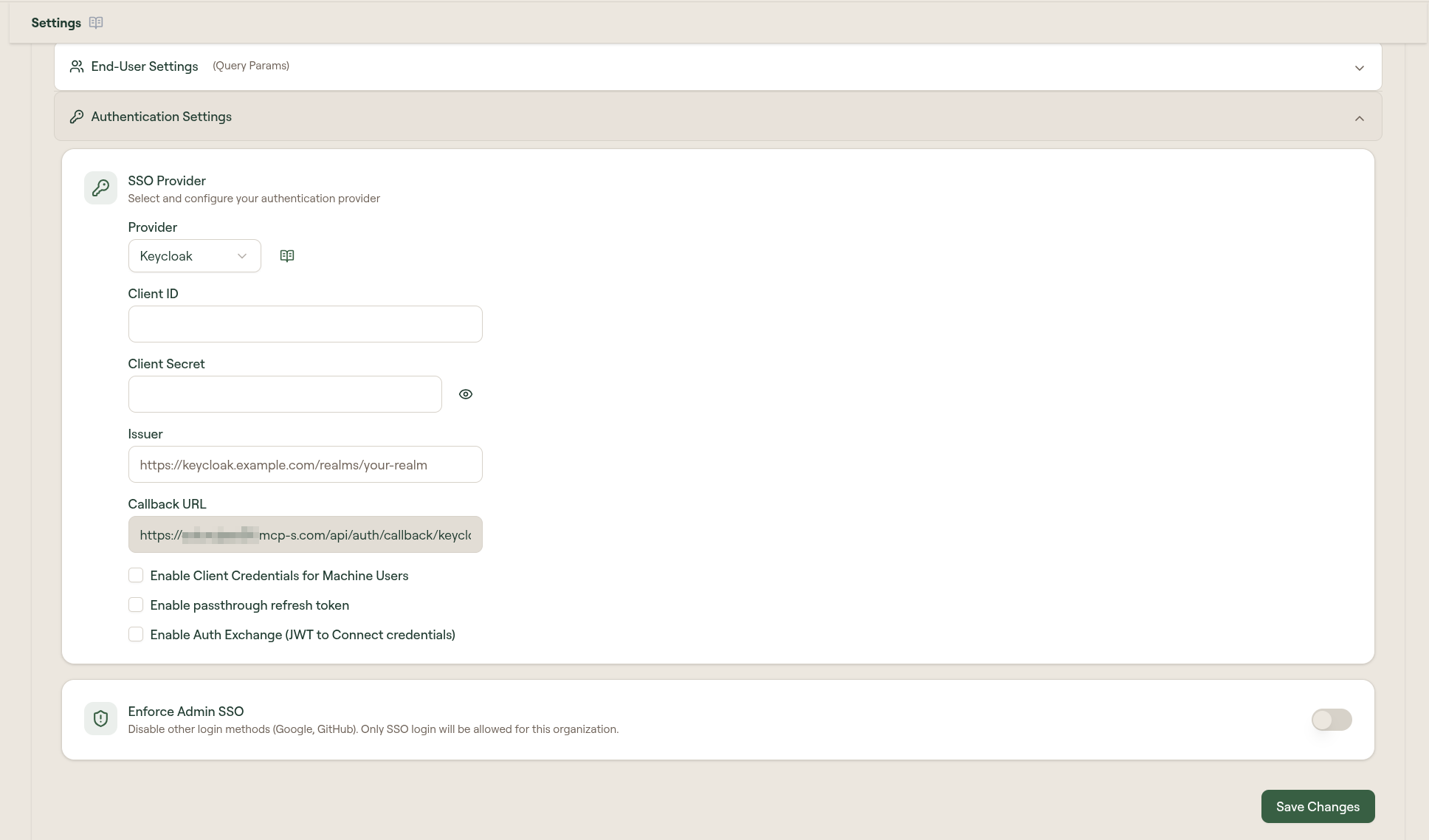
- Go to Admin → Settings → Authentication Settings
- On the SSO Provider card, select Edit
- Select Provider: Keycloak
- Enter the Issuer, Client ID, and Client Secret
- Select Save
Internal issuer (self-hosted Keycloak)
If Keycloak runs inside the same network as Willow and its public URL is not reachable from Willow's servers, sign-in fails during OIDC discovery, before the user is ever redirected. Set Internal Issuer to the realm URL Willow can reach directly, for example http://keycloak-service.keycloak.svc.cluster.local:8080/realms/your-realm.
Willow then performs discovery and token exchange over the internal URL, while users are still redirected to the public Issuer to sign in. Leave the field empty to use the public issuer for both.
This requires Keycloak to serve a dynamic back-channel, so the discovery document returned on the internal URL still advertises the public issuer and authorization endpoint. On Keycloak 24+ set hostname-backchannel-dynamic: true (backChannelDynamic: true on the RHBK custom resource) alongside your configured public hostname.
Advanced options
After saving, three optional settings are available beneath the credential fields:
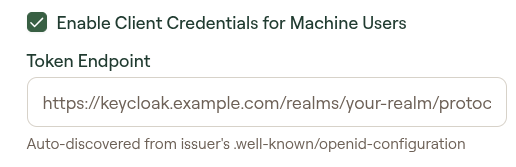
Enable Client Credentials for Machine Users: lets machine users reach internal MCP servers that use proxy passthrough, by minting an OAuth token from this provider on their behalf (see Machine Users). When enabled, a Token Endpoint field appears, auto-discovered from your issuer's .well-known/openid-configuration.
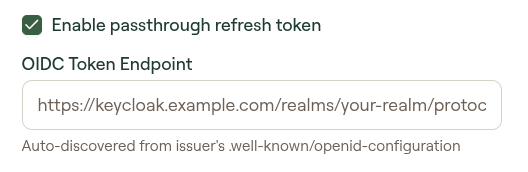
Enable passthrough refresh token: forwards the user's SSO JWT to internal MCP servers automatically. When enabled, an OIDC Token Endpoint field appears, auto-discovered. See JWT Passthrough for the full setup.
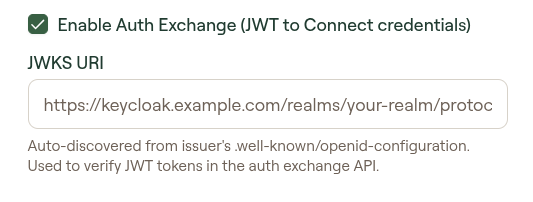
Enable Auth Exchange (JWT to Connect credentials): enables JWT token verification using your IdP's JWKS endpoint. When enabled, a JWKS URI field appears, auto-discovered. Used to verify JWT tokens in the auth exchange API.