Google Calendar
Google Calendar is a web-based calendar service developed by Google.
Authentication Types
Google Calendar supports 2 authentication methods:
-
OAuth - Create your own Google Cloud OAuth app. Every user connects with their Google account.
- Pros: Full control, per-user tracking, production-ready
- Cons: Requires Google Cloud Console setup
-
Instant OAuth - Use Willow's pre-configured Google app for the fastest setup.
- Pros: Fastest setup, no configuration needed
- Cons: Limited scopes, not recommended for production
Setting up OAuth
-
Create a new project or select an existing one
-
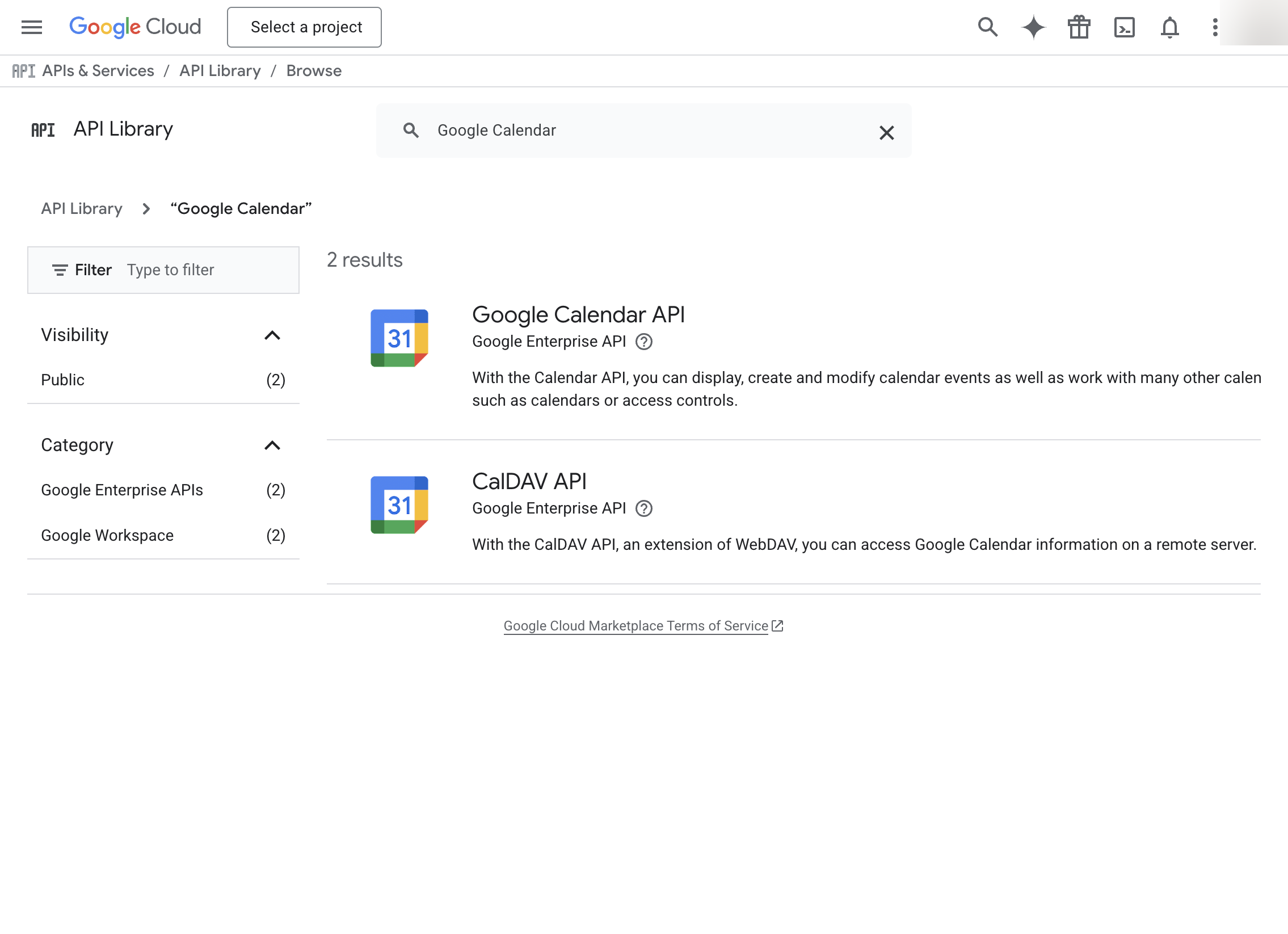
Go to APIs & Services → Library, search for "Google Calendar API", and click Enable
-
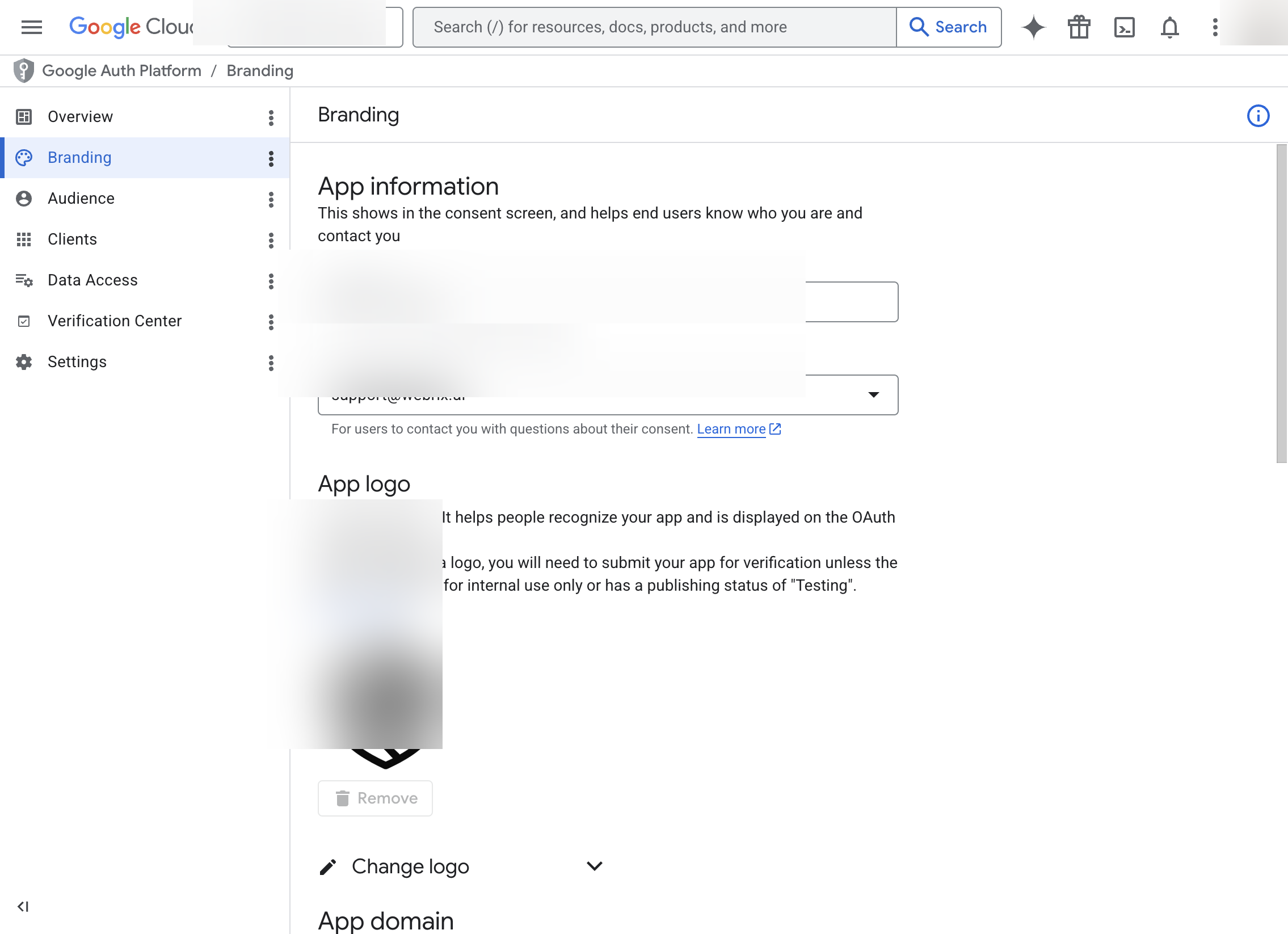
In the left sidebar, go to APIs & Services → OAuth consent screen
-
Choose External or Internal and fill in the required information
-
On the Scopes page, add the Calendar scopes you need:
https://www.googleapis.com/auth/calendar(full access)https://www.googleapis.com/auth/calendar.readonly(read-only)
-
Go to APIs & Services → Credentials
-
Click Create Credentials → OAuth client ID
-
Select Web application
-
Under Authorized redirect URIs, add:
- For SaaS deployments:
https://{org}.mcp-s.com/{org}/api/auth/callback - For On-Premise deployments:
{connectUrl}/{org}/api/auth/callback
- For SaaS deployments:
-
Click Create
-
Copy the Client ID and Client Secret
-
In Willow, paste the Client ID and Client Secret
-
Select the same scopes you configured
-
Click Save Changes